A classic WordPress migration with Duplicator is based on a simple package: a matching installer file and an archive containing the selected WordPress files and database data.

A classic WordPress migration with Duplicator is based on a simple package: a matching installer file and an archive containing the selected WordPress files and database data.

Wordfence country blocking is a targeted geographic access-control feature, not a complete security strategy. Its most important configuration decision is the scope: should selected countries be blocked only from the WordPress login page, or from the wider site as well?

Wordfence rate limiting controls how frequently human visitors and automated crawlers can request pages from a WordPress website.

Uploading a custom typeface to Elementor is only the first step. A font can appear correctly in the editor and still display differently on the published site when the required weight or style was not configured, a local Typography value overrides a global setting, or cached and migrated URLs interfere with delivery.

Elementor Element Manager gives administrators a way to control which elements appear in the Elementor Editor. This can make the editing interface easier to review when a website uses only a limited selection of widgets and other available elements.

Automated messages, promotional content and abusive submissions can quickly make an Elementor contact form difficult to manage.

A custom SVG can solve a practical design problem in Elementor: the icon you need may not be available in the existing library, while a supplied graphic may need to match the visual language of a website. Uploading the file is only one part of the process.

WordPress websites often make the same or very similar content available through more than one address. This can happen through content structures, URL parameters, protocol versions, regional variations or other site functions.
The WordPress Query Loop block gives site owners a visual way to create repeatable content listings in the block editor. Instead of building a loop with PHP code, you can define which content should appear, how it should be ordered, how many items should be displayed and how each result should look.
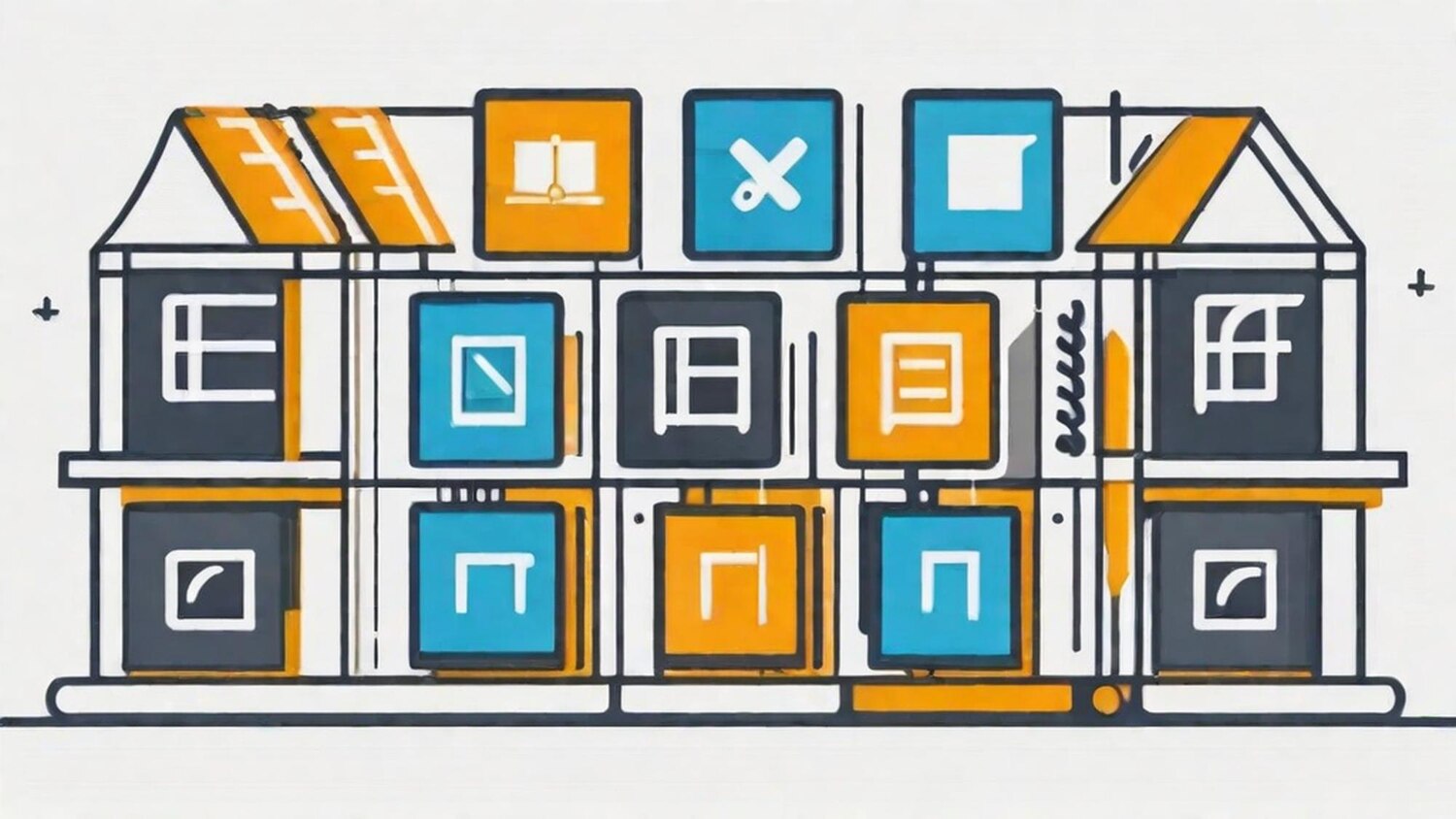
WordPress block patterns help site owners build recurring content sections without reconstructing the same block arrangement every time. A pattern is a collection of blocks arranged as a reusable layout or section, which can be inserted into posts and pages and then customized for the current context.