WooCommerce product sorting helps store owners decide how products are presented in the catalog without relying on custom development. Two controls are especially important: the featured-product status and the manual catalog order.
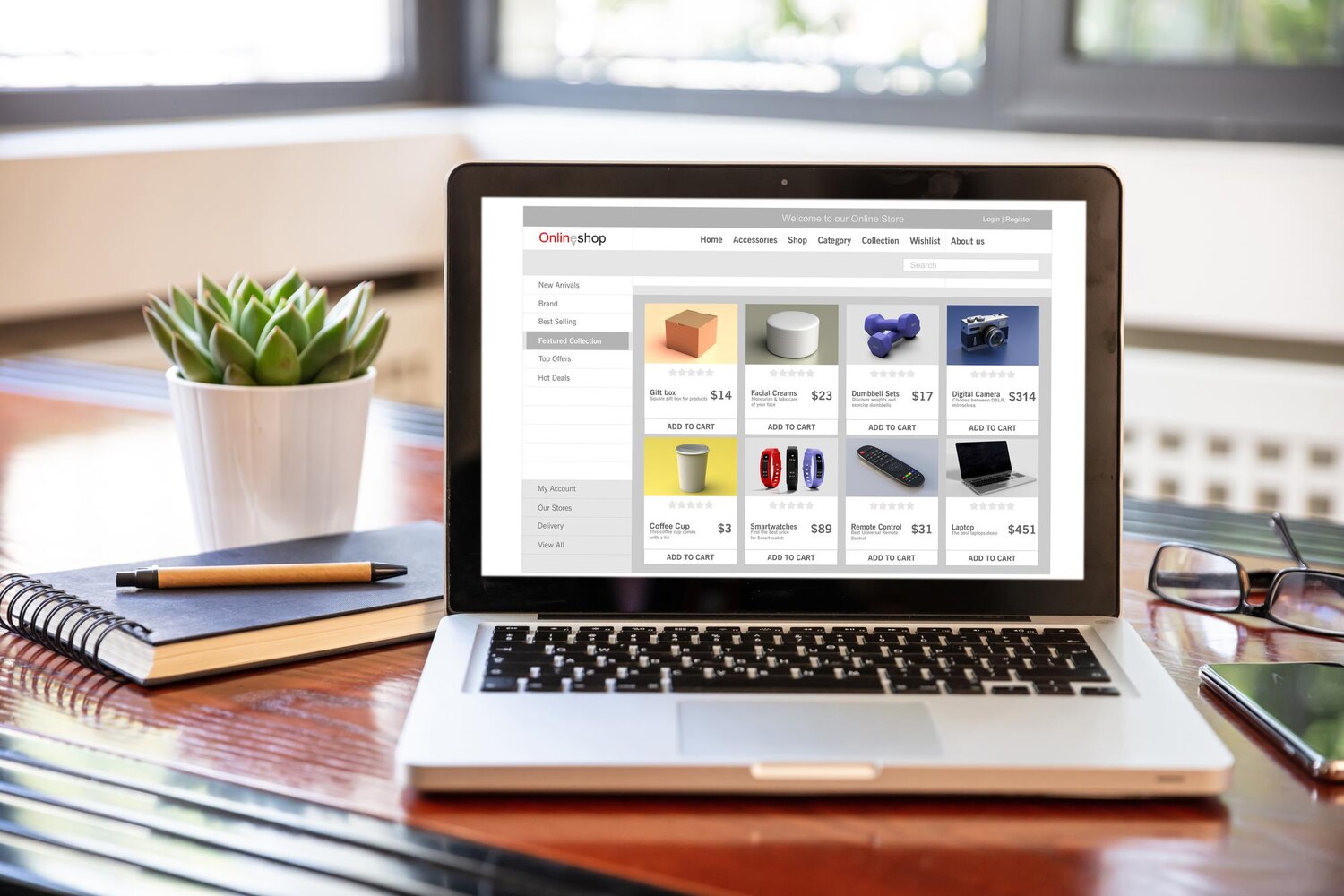

WooCommerce product sorting helps store owners decide how products are presented in the catalog without relying on custom development. Two controls are especially important: the featured-product status and the manual catalog order.

A WordPress website repeatedly delivers the same types of files: images, stylesheets, JavaScript and theme assets. When every visitor retrieves those resources directly from the origin server, static delivery can become part of the pressure placed on the WordPress application stack.

Editing a parent theme directly can seem like the quickest way to change a WordPress website. It can also create a maintenance problem: when the parent theme is updated, files containing custom changes may be replaced.

A broad noindex rule can remove useful pages, products, archive URLs, or important acquisition paths from Google Search.

A cart that becomes inactive is not automatically the same as an order waiting for payment. In WooCommerce, a shopper may leave products in a cart without submitting checkout, while another shopper may have created an order that remains unpaid or awaits payment confirmation.
WooCommerce Local Pickup allows customers to collect orders themselves instead of choosing delivery. The configuration is useful when a store wants to offer collection alongside shipped orders, but the correct setup depends on the checkout workflow in use.

Elementor Display Conditions let you control whether a selected page element appears in a particular context. Instead of showing identical content to every visitor, you can define rules related to the current page or post, author, category, login status, date, time, archive or referring URL.

Replacing a shared image, PDF or other media file in WordPress does not always require deleting the attachment and inserting a new item everywhere it is used.

Elementor Loop Grid helps you build repeatable content listings without manually duplicating every card on a page. Instead, you create or select a reusable Loop Item template, then use the Loop Grid widget to decide which items appear, how they are ordered and how visitors move through the results.
WooCommerce shipping classes help organize products that do not share the same shipping requirements. A store may need separate groups for bulky items, lightweight products, fragile goods, small products or other categories that require different Flat Rate treatment.